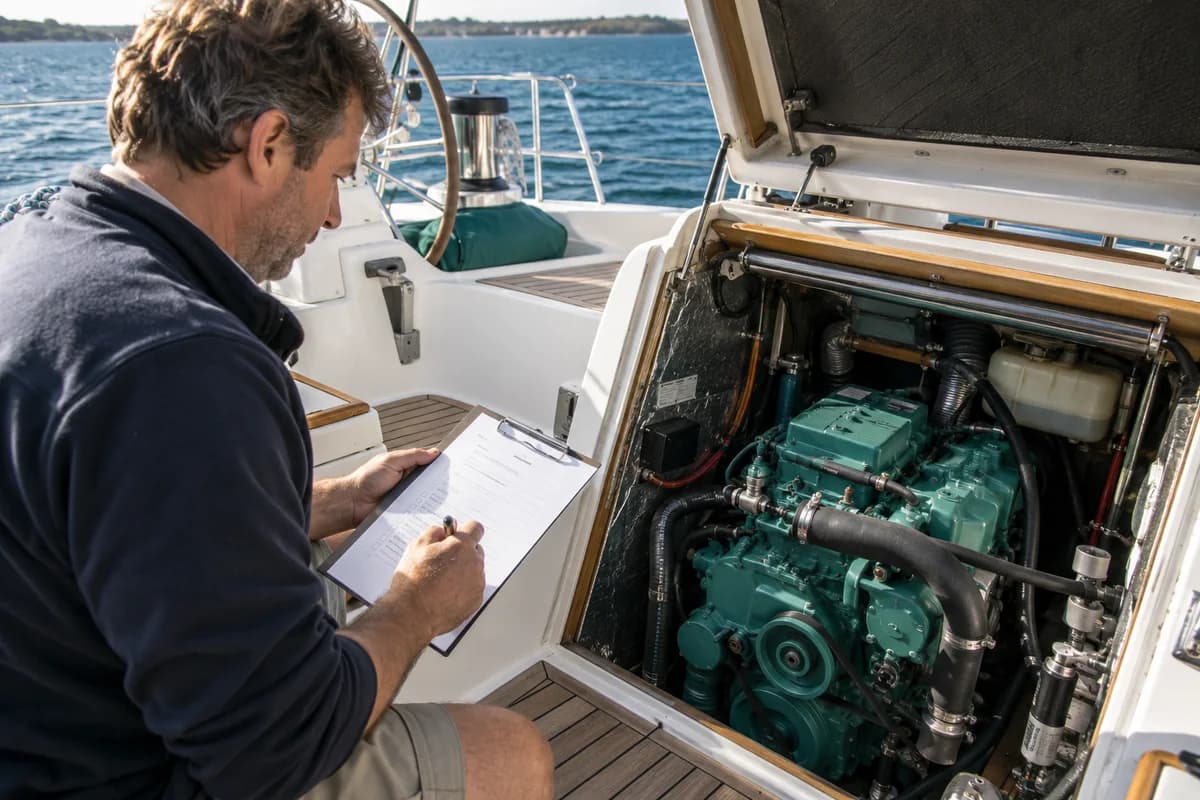
Adding a display is one job; making it work with the rest of the boat is another. Explore marine electronics businesses for installation, integration and support.

Decide what the electronics should make easier
Marine electronics are most useful when they solve a clear problem. You may want instruments visible from the helm, better information at the chart table or fewer disconnected displays. Begin with those tasks rather than a particular screen size. Describe how many people normally sail the boat and where they work during a passage. A short-handed crew may use information differently from a racing team. List the existing equipment and what you want to retain. This gives an installer a realistic starting point for discussing integration, usability and the cost of making the complete arrangement work together.
Inventory the equipment already aboard
Record makes, models and available software information for displays, sensors and associated devices. Photograph labels that are accessible without dismantling equipment. Gather manuals and any network diagram left by a previous installer. Compatibility depends on more than a connector appearing to fit, so ask the specialist to check the proposed arrangement. If a device is old or unsupported, discuss what retaining it means for the project. A new display may be only one part of the required work. Understanding the existing system first helps avoid discovering late that the desired function also needs different sensors or interfaces.
Compare a complete installation
Ask each provider to describe what its quote includes: equipment, mounting, cabling, integration, configuration and testing. Clarify whether existing components will be reused and how their condition will be assessed. The location of a display should suit visibility, reach and the boat's structure, not just the available flat surface. Discuss protection, service access and the effect on other controls. If the project touches electrical supply or another specialist area, identify who handles that work. A clear installed scope is more useful than comparing hardware prices that leave essential parts of the project unspecified.
Allow time for commissioning and learning
Switching on a display is not the same as completing an electronics installation. Ask what configuration and testing the provider will undertake and whether an on-water session is included where appropriate. Arrange a handover that explains the functions you will actually use, rather than a quick tour of every menu. Keep a record of the installed equipment and the documentation supplied. If the system is important to a planned trip, allow time to become familiar with it beforehand. Learning a new arrangement is easier on an ordinary local sail than during a passage with several other demands on the crew.
Choose support you can reach later
Ask how the installer handles follow-up questions, software changes and faults that appear after delivery. Clarify the difference between product warranty support and responsibility for installation work. If you travel widely, discuss access to manufacturer support and the information another technician would need. Keep your system diagram current when anything changes. Avoid adding devices independently without checking how they fit the existing design. The goal is an onboard information system that remains understandable and serviceable, with clear records of what was fitted and why, rather than a growing collection of displays connected through assumptions nobody has documented.
Make the first enquiry count.
A failed display may be an isolated issue or part of a wider system problem. Record the model, observed behaviour and connected equipment. Ask the provider whether it repairs the device, assesses the installation or supplies replacements so the appointment matches the question.
What a useful quote should settle
Compare diagnostic scope, compatibility assessment, equipment supply, installation and support for the complete arrangement.
How to compare marine service quotes →Which conversation do you need?
Start with the situation that describes your job. These are different enquiry briefs, so ask the provider to confirm the scope that fits yours.
Device repair
An individual item may need workshop attention.
Does the business repair this exact model?
Installation assessment
The cause may involve connections or other equipment.
What needs checking before replacement is proposed?
Upgrade planning
You want a more useful overall arrangement.
Which current components can be retained and why?
Three steps to a clearer decision.
Does the business repair this exact model?
What needs checking before replacement is proposed?
Which current components can be retained and why?
Before you make the next move.
Can I replace one screen and keep everything else?
Possibly, but ask for an assessment of the exact models and required functions. Appearance or shared branding does not prove compatibility. Establish what will be retained and what assumptions need checking before ordering.
Is software support included in installation?
Ask what setup, updates and handover are included, and how later support is arranged. Keep access information and manuals organised appropriately without placing private credentials in a public service enquiry.
Marine electronics: enquiry checklist
Use this to prepare your first enquiry. Print a copy to keep with your notes.
0 of 5 ready · Checks reset when you leave this page.